Setup
From Mobile Application Design
"Just the tools please" Quick Setup
- Download and install Java SE, Development Kit (JDK) - http://java.sun.com/j2se/downloads/index.html. Get the version without any other bundled software.
- Download and install Java ME, Wireless Toolkit (WTK) - http://java.sun.com/products/j2mewtoolkit/. Install this into C:\WTK\.
- Setup and test your paths
- Download one or more emulators / manufacturer SDKs - Nokia | Motorola | SonyEricsson | Danger | MPowerPlayer (OS X only)
- Download an IDE + development pack - Eclipse & EclipseME (Mac + Windows) | Alt choice: Netbeans + Mobility Pack
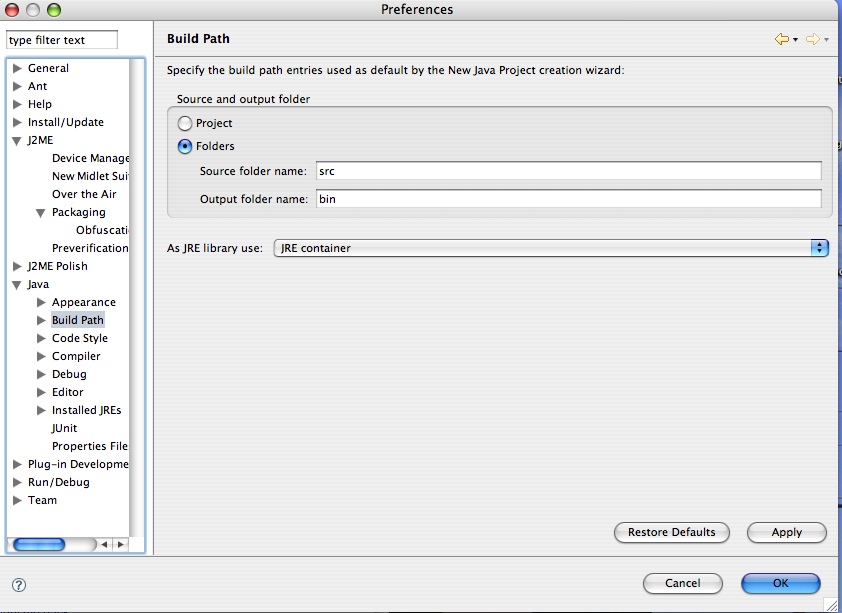
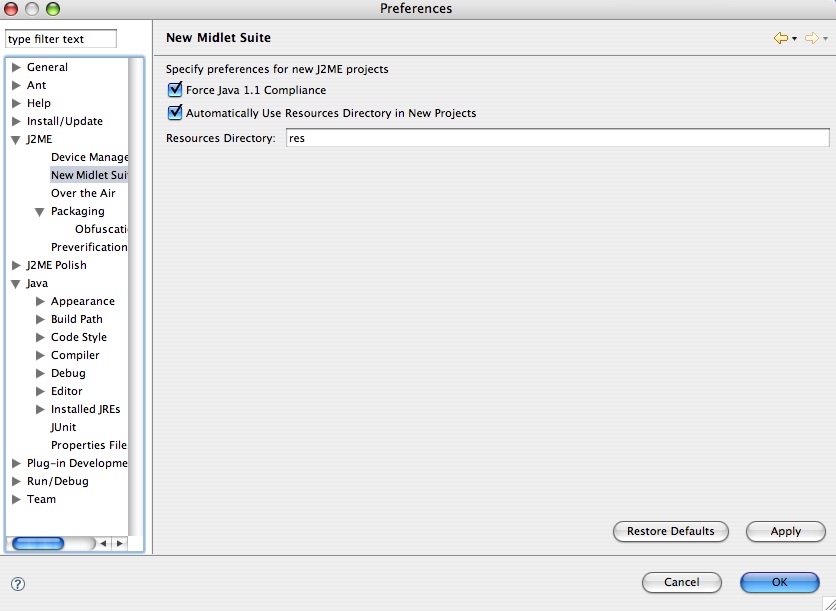
- Setup Eclipse so that source files -> /src folder and external files (images, txt files etc) -> /res folder
- Configure EclipseMe